
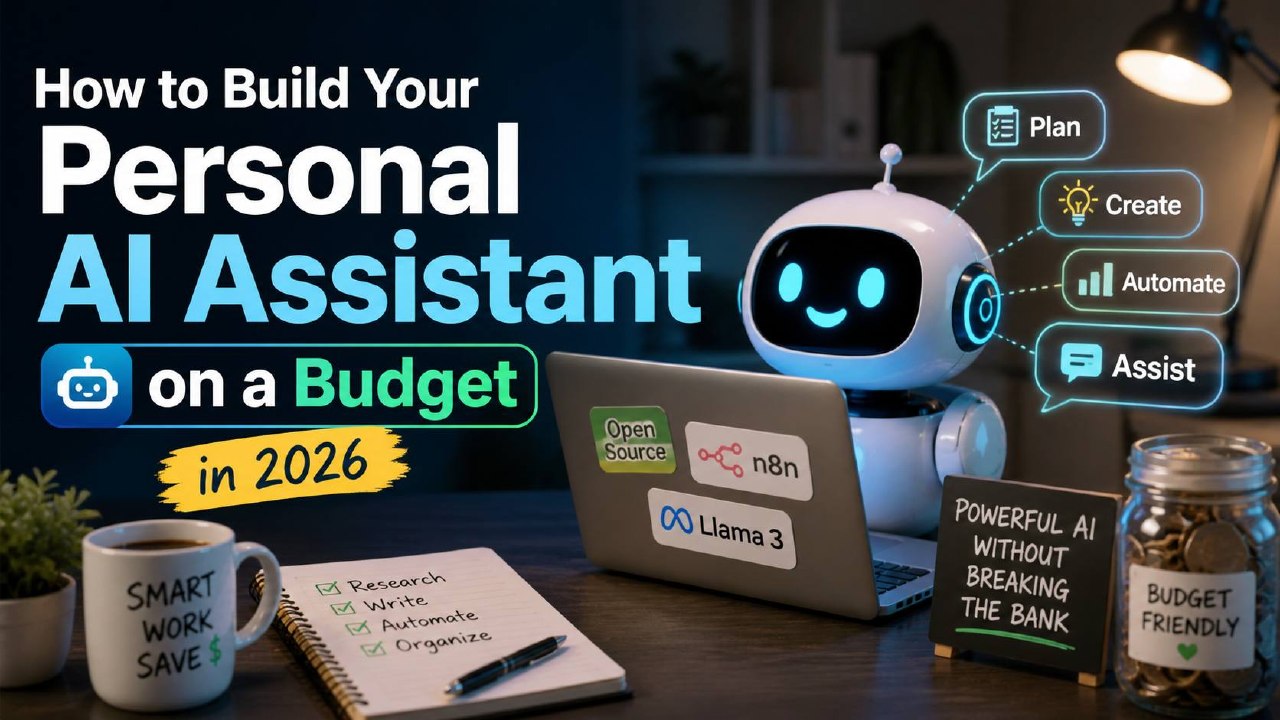
How to Build Your Personal AI Assistant on a Budget in 2026

How to Build Your Personal AI Assistant on a Budget in 2026

Why You Need a Personal AI Assistant in 2026

In 2026, AI has evolved from a chat tool to a personal assistant that can read your files, browse the web, send messages, and automate repetitive tasks β€” all on its own. Whether you are a freelancer in Bugis managing multiple clients, a student at NUS researching for assignments, or a small business owner in Tampines trying to keep up with admin, a personal AI assistant can save you hours every week.

But most people still interact with AI the wrong way: opening a browser tab, typing a question, getting an answer, then closing the tab. That is like having a personal assistant who only works when you are staring at them. The real power comes from running an AI agent that lives on your machine 24/7, connected to your messaging apps, with access to your files and the internet.

And you do not need to spend a fortune. This guide shows you how to set up a fully functional personal AI assistant for under S$30/month.

What Your AI Assistant Can Actually Do

Before we dive into setup, let us be clear about what a personal AI assistant can and cannot do in 2026.

What it CAN do:

  • Answer questions by searching the web in real-time
  • Read and analyse files on your computer (PDFs, documents, spreadsheets)
  • Write emails, messages, and content on your behalf
  • Automate browser tasks: fill forms, extract data, take screenshots
  • Generate images, music, and videos
  • Set reminders, schedule tasks, and follow up on deadlines
  • Connect to Telegram, WhatsApp, Discord β€” chat with it from anywhere

What it CANNOT (or should not) do:

  • Make financial decisions without your approval
  • Send messages publicly without your review
  • Access sensitive data like banking passwords or NRIC numbers
  • Replace human judgment for important life decisions

Think of your AI assistant as a smart intern β€” capable, fast, and eager to help, but always under your supervision for anything that matters.

The Recommended Stack β€” Under S$30/month

Here is the complete setup we recommend for Singapore users in 2026, balancing capability, privacy, and cost.

Framework: OpenClaw (Free, open-source)
OpenClaw is a personal AI agent framework that runs on your own machine. It connects to messaging platforms, manages skills, and gives your AI agent access to files, web search, and browser automation.

AI Model: DeepSeek V4-Flash (~S$5-10/month for personal use)
DeepSeek V4-Flash costs just US$0.14/MTok for input β€” 75% cheaper than comparable models. Supports 1M context, handles Chinese and English equally well.

Alternative: OpenRouter (S$13.40 minimum top-up)
One API key for 300+ models. Start with US$10 and experiment freely.

Messaging: Telegram (Free)
Create a bot through @BotFather in 2 minutes, connect it to OpenClaw, and chat from anywhere.

Hardware: Your existing computer (Free)
Runs on any machine with Node.js 18+ β€” laptop, desktop, or even a Raspberry Pi.

Total monthly cost: S$5-30 (model API usage only)

Step 1: Install OpenClaw

Open your terminal and run:

npm install -g openclaw

Then verify:

openclaw --version

If you get an error about npm not being found, install Node.js first from nodejs.org.

Step 2: Get Your API Keys

Prepare your AI model API key. We recommend:

Option A β€” DeepSeek (Cheapest): platform.deepseek.com. Top up US$5 (~S$6.70).

Option B β€” OpenRouter (Most Flexible): openrouter.ai. Top up US$10 (~S$13.40) for 300+ models.

Option C β€” Claude (Best Quality): console.anthropic.com. Claude Pro (US$20/month) includes bonus API credits.

Also create a Telegram bot via @BotFather: send /newbot, follow prompts, copy the token.

Step 3: Configure and Start

Run the setup wizard:

openclaw setup

Enter your API key and Telegram bot token when prompted. Then start:

openclaw gateway start

Message your bot on Telegram β€” it should respond! For 24/7 availability, consider a VPS (~S$8/month on DigitalOcean).

Step 4: Extend with Skills

Skills make your AI assistant truly useful:

  • web-search β€” Real-time internet search
  • browser-automation β€” Browse websites, fill forms, extract data
  • weather β€” Weather forecasts
  • pdf β€” Read and process PDFs
  • image-generation β€” Create images from text prompts

Install with: openclaw skills install <skill-name>

Daily Use β€” Practical Examples

Here is how Singapore users use their AI assistants every day:

Morning briefing: "Good morning. What is the weather today? Any important news?" Your assistant checks weather and scans headlines.

Research assistant: "Compare health insurance plans in Singapore. Top 3 options with key differences." Structured comparison from the web.

Content creation: "Help me write a Xiaohongshu post about my favourite cafe in Katong." Drafted in minutes, refined by you.

Document analysis: Send a PDF and ask: "Summarise this in 5 key points." No need to open it on your computer.

Task automation: "Remind me to submit my taxes by next Friday." Your assistant sets and follows up.

Cost Management Tips

Keep API costs low:

  • Use cheaper models for casual chat, premium models for complex tasks
  • Keep conversations focused β€” be specific with requests
  • Set usage alerts on your API platform immediately
  • Start with free tiers β€” Google Gemini offers 15 RPM, 1M tokens/day free

Most personal users stay under S$15/month.

Privacy and Security Best Practices

Stay safe with your AI assistant:

  • Keep everything local. OpenClaw runs on your machine. Files never leave unless you explicitly ask.
  • Review before sending. In group chats, configure your assistant to only respond when mentioned.
  • Use allowlists. Set Telegram DM policy to "allowlist" so only approved users can chat.
  • Never share sensitive data. No passwords, NRIC numbers, or financial account details in AI chats.

With the right safeguards, your AI assistant can be a genuinely helpful part of your daily routine β€” safely and affordably.

← Back to Blog

πŸ“– Related Articles

🦞
How to Deploy OpenClaw β€” Step by Step Guide
2026-05-01
🧩
Top 10 Must-Install OpenClaw Skills in 2026
2026-05-01
🎬
How Singapore Creators Use ChatGPT to Write 30 TikTok Scripts in 1 Hour
2026-04-28
πŸ“Έ
AI Product Photography for Shopee Sellers: Complete SG Guide
2026-04-25